Civil Engineering
Project Scheduling Software for Civil Engineers
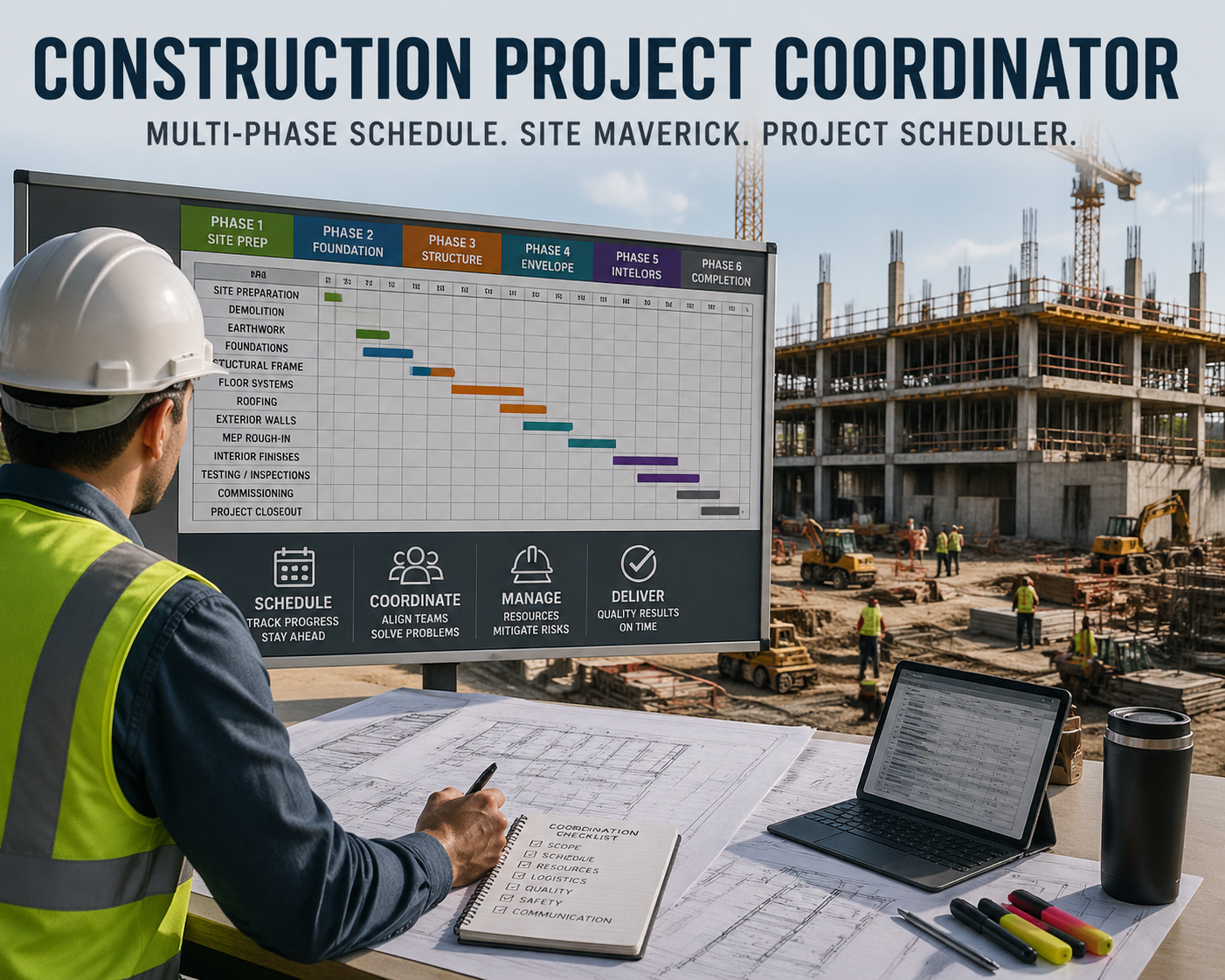
Civil engineers coordinate distributed crews, subcontractors, and material suppliers across builds that run for months, often against a hard permitting or regulatory gate. Sequencing a dozen trade handoffs, tracking a concrete or steel lead time that can run longer than the phase it feeds, and proving schedule compliance to an inspector are daily realities generic task lists were never built for. Maverick schedules the equipment and materials alongside the people, so the Gantt chart reflects the whole job — not just the labor.
Try It FreeHow Civil Engineers Use Maverick, Project by Project
The underlying mechanics — subproject hierarchy, dependency links, three resource types, milestones, and baselines — are the same across every project type below. What changes is how you apply them.
Roads, Highways & Corridors
Break a corridor into segments and lane-closure phases as subprojects, then link paving, striping, and signal work with Start-to-Start and Finish-to-Finish dependencies so overlapping crews stay coordinated instead of colliding.
See dependency link typesBridges & Structures
Sequence substructure, superstructure, and deck pours on the critical path, with falsework, cranes, and specialty crews scheduled as machine and human resources rather than left off the chart entirely.
See resource typesWater & Wastewater Treatment
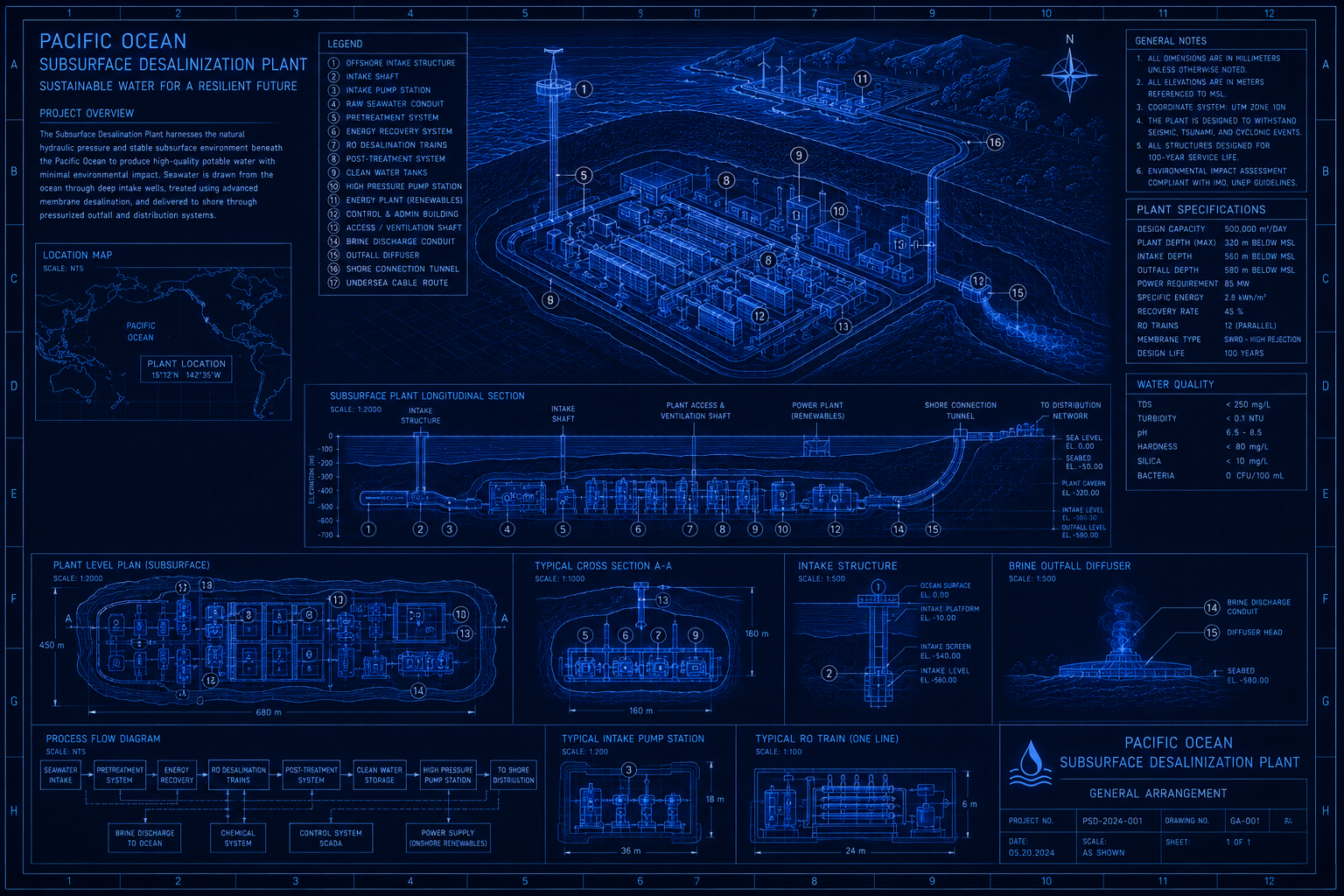
Coordinate intake construction, treatment train installation, and regulatory commissioning against a locked baseline — the same pattern used in the desalinization plant blueprint below.
See the blueprintSite & Land Development
Model grading, utility rough-in, and phased lot releases as subprojects, and track plat approvals and permit sign-offs as zero-duration milestones so the schedule shows exactly which gate is next.
See how milestones workRail & Transit Corridors
Flag long-lead signal and track procurement early and watch it against crew and equipment allocation across a multi-contractor corridor, so a slipped delivery date shows up before it stalls the whole segment. A public agency running more than one rail site can duplicate a finished project as a template for the next one instead of rebuilding it from scratch.
See the blueprintDams, Levees & Water Resources
Schedule staged fill placement across seasonal construction windows, and lock a baseline at each stage so variance from an environmental or regulatory delay is documented rather than absorbed silently into the schedule.
Learn about baselinesAirports & Aviation Infrastructure
Schedule runway and taxiway work as subprojects confined to overnight closure windows, and run the critical path through paving and NAVAID cutover sequencing so a single missed closure window doesn't cascade into the next one.
Learn about critical pathUnderground Utilities & Pipelines
Track trenching, pipe procurement, and tie-in tasks with Finish-to-Finish links where two lines must connect on the same day, and assign pipe and fitting inventory as material resources so a short shipment shows up before crews are standing at an open trench.
See resource typesBuilt for Civil Engineering Workflows
The same scheduling mechanics civil engineers already work with, not a generic task list.
Critical Path Method
Recalculate the critical path as the schedule changes so you always know which task delay actually threatens the finish date.
- Four dependency link types model real trade handoffs
- Instant recalculation as tasks slip or compress
- Surfaces which delay actually threatens the finish date
Three Resource Types
Assign human, machine, and material resources to the same task and catch conflicts before they hit the site.
- Crews, subcontractors, and inspectors as human resources
- Excavators, cranes, and rigs as machine resources
- Concrete, steel, and long-lead materials tracked by quantity
Resource Allocation Chart
Spot over- and under-allocated crews and equipment at a glance before they become a site-level problem.
- Color-coded bars flag over- and under-allocation
- Filter by workgroup to see one trade at a time
- Catch equipment double-booking before it hits the site
Project Baselines
Lock a baseline before ground is broken, then track every variance against it for permit and regulatory records.
- Lock a baseline before the first task starts
- Compare live schedule against baseline at any point
- Documented variance for permit and inspector records
AI Chat Project Creation
Describe a build in plain language — phases, crews, material lead times — and AI chat drafts the subprojects, tasks, dependencies, and resource assignments for you to review.
- Builds a full schedule from one written prompt
- Assigns crews and equipment already in Maverick by name
- Also updates an existing project from a follow-up prompt
Per-Employee AI Model Assignment
Give a project engineer running schedule analysis a different AI model than a field supervisor checking daily assignments — no single AI account or model is forced on the whole team.
- Each employee, machine, or workgroup gets its own AI provider
- Mix OpenAI, Anthropic, and Google models on one project
- No shared account or one-size-fits-all model
See It in a Real Civil Engineering Schedule
Two worked examples, plus how Maverick compares to the tool civil engineering teams already know.
Subsurface Desalinization Plant
A 2 MGD coastal facility with HDD intake drilling, a 14-week membrane lead time, and a Finish-to-Finish mechanical tie-in, scheduled end to end.
Walk through the blueprint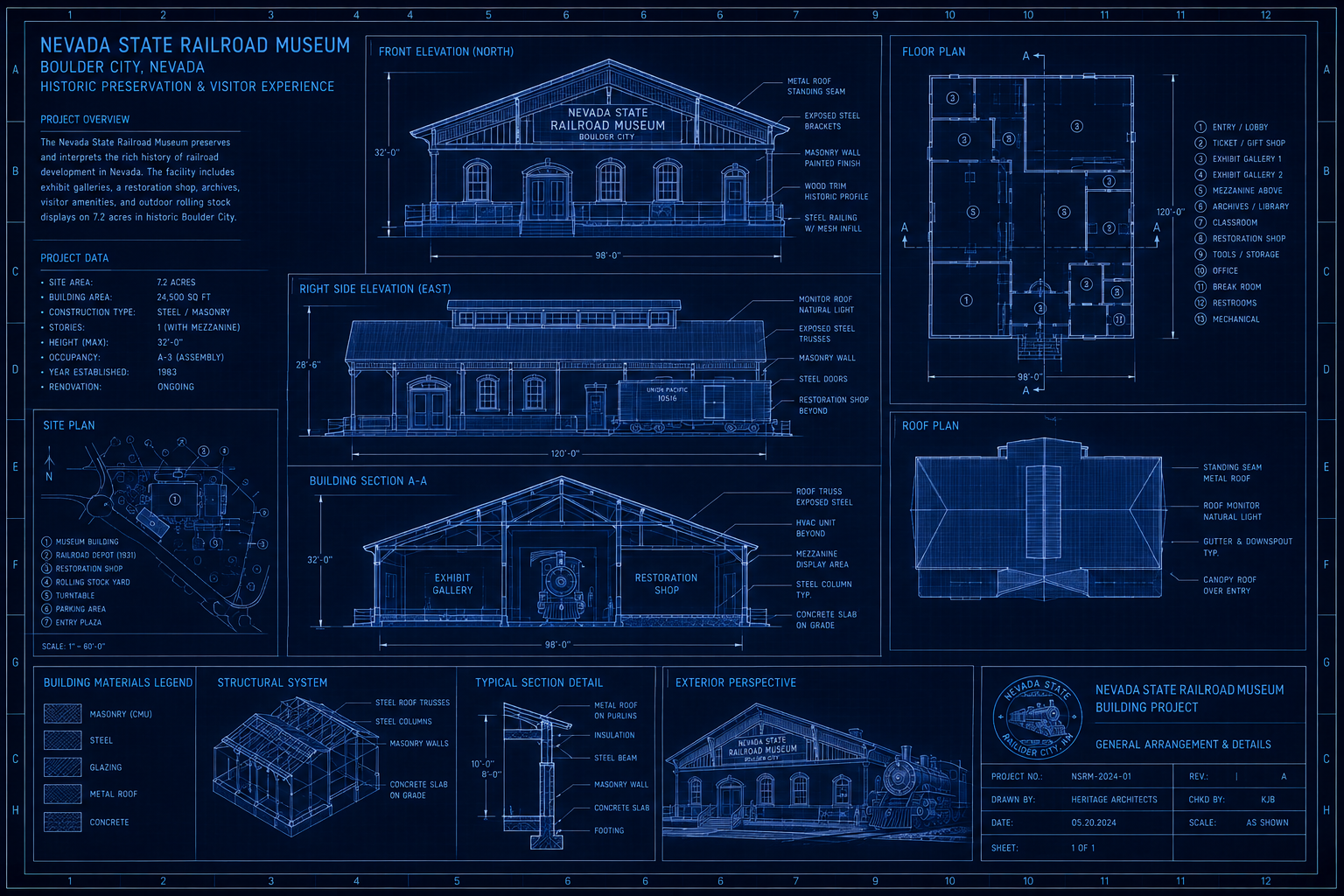
Railroad Museum Site Expansion
A state agency duplicates a finished 50-task, 10-subproject project instead of rebuilding it, then re-dates, reassigns crews, and resets the baseline for a new site.
Walk through the blueprintMaverick vs. Primavera P6 Professional
How Maverick's cloud scheduling compares to P6 Professional on critical path, resources, and cost of ownership.
Read the comparisonMaverick vs. Primavera P6 EPPM
How Maverick compares to P6 Enterprise for organizations running many civil projects across one portfolio.
Read the comparisonReport on the Schedule, Not Just Inside It
Civil engineering stakeholders — owners, agencies, and finance — usually want the numbers outside Maverick, not a login.
Power BI Dashboards
Build schedule health, Gantt timeline, hours burndown, and cost intelligence dashboards from live Maverick project data — no manual exports.
See the Power BI dashboardsLive OData Feed
Pull projects, tasks, resources, and costs directly into Power BI, Excel, or any OData v4 client via the built-in feed — all 11 entity sets documented with ready-to-paste M queries.
See the OData schema referenceCommon Questions From Civil Engineering Teams
What civil engineers ask before switching their scheduling.