
Connect Your Tools
Maverick Project Scheduler Integrations
Maverick is built to work alongside the tools your team already uses. From AI language models and accounting software to spreadsheets, cloud storage, and automation platforms — integrations keep your project data flowing where it needs to go.
Try Maverick FreeOne Platform, Connected to Everything
Project data should not live in silos. Maverick connects to the systems your organization already relies on — so you spend less time copying data between tools and more time delivering projects.
Keep Systems in Sync
Push project tasks, resource assignments, and timesheet data to external platforms automatically — no manual exports or copy-paste.
Centralize Project Files
Store and share project documents, reports, and attachments through cloud storage providers your team already has access to.
Automate Without Code
Trigger actions in thousands of other apps when events happen in Maverick — new tasks, status changes, or completed milestones.
Available Integrations
All integrations below are live in Maverick. Select integrations have full setup guides — others are coming soon.
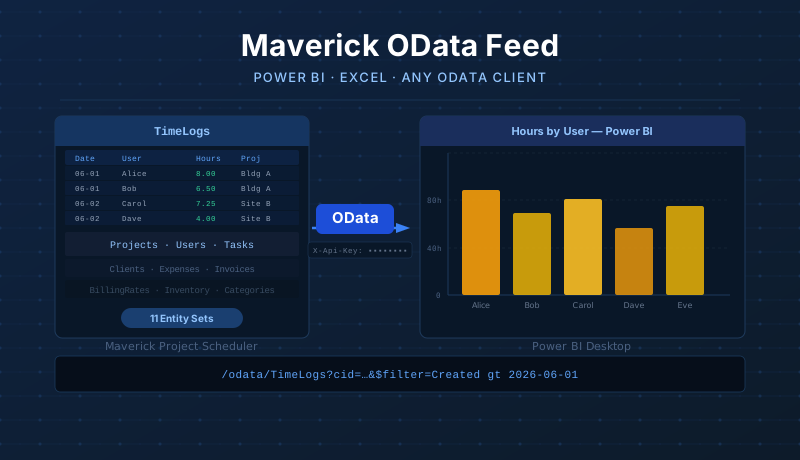
Power BI & OData
Connect Power BI Desktop, Excel, or any OData client directly to your Maverick data. Pull live time logs, projects, tasks, users, expenses, and more using copy-paste M queries — no manual CSV exports required.
Read the Power BI OData integration guide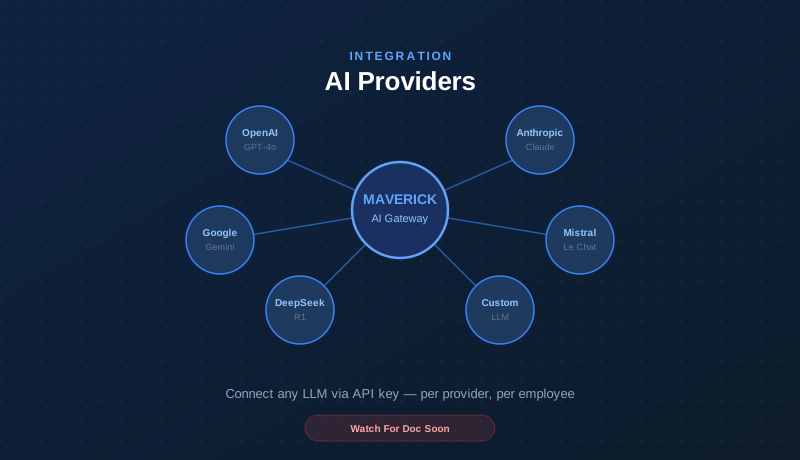
AI Providers
Connect any major LLM provider — OpenAI, Anthropic, Google Gemini, Mistral, DeepSeek, or your own custom endpoint. Each employee or workgroup can be assigned a different provider and model, with separate API keys for transparent billing.
Read the AI provider integration guide
Microsoft Project
Import existing Microsoft Project schedules in XML format directly into Maverick, or export any Maverick project plan back to XML for stakeholders who depend on Microsoft Project for review and reporting.
Read the Microsoft Project integration guide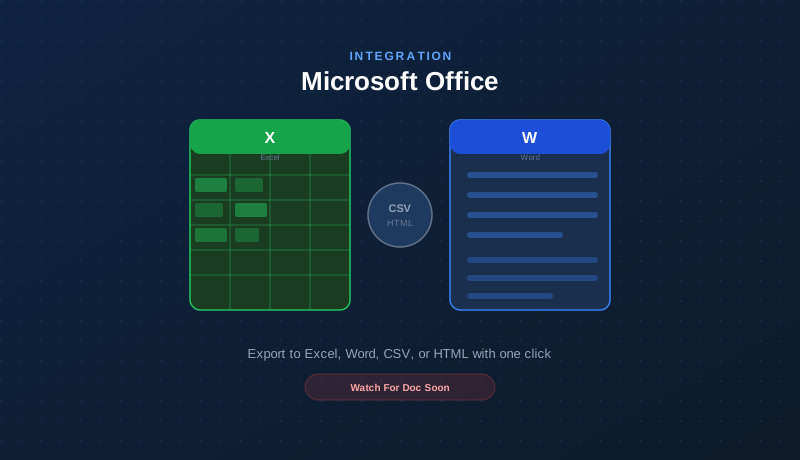
Microsoft Office
Export any Maverick grid, report, or schedule to Excel, Word, CSV, or HTML with one click. Maverick also imports project data from Excel and CSV files — making it easy to migrate existing plans or feed data from external systems.
Read the Microsoft Office integration guide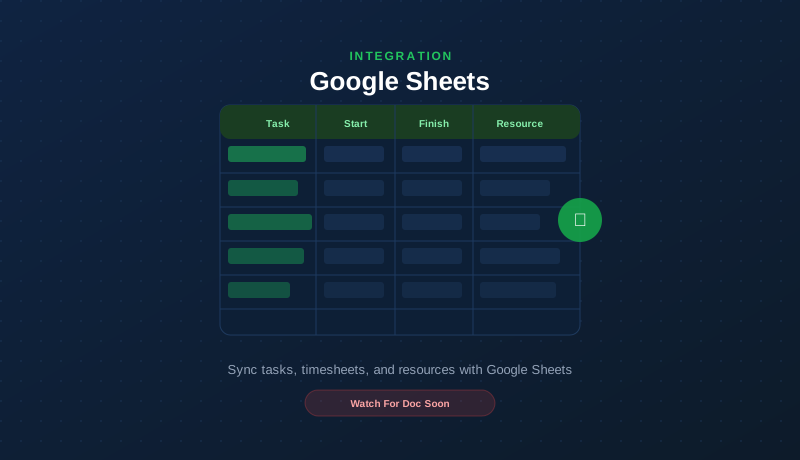
Google Sheets
Export any Maverick project view to Google Sheets — all visible columns, row formatting preserved. Import tasks from any Google Sheet. Supports Service Account for automated exports and OAuth2 for personal Drive. Full step-by-step Google Cloud Console setup guide included.
Read the Google Sheets integration guide
Google Drive
Organize every Google Sheets export into named Drive folders automatically. Supports nested folder paths, file override mode, Service Account for automated exports, and OAuth2 for personal Drive placement.
Read the Google Drive integration guide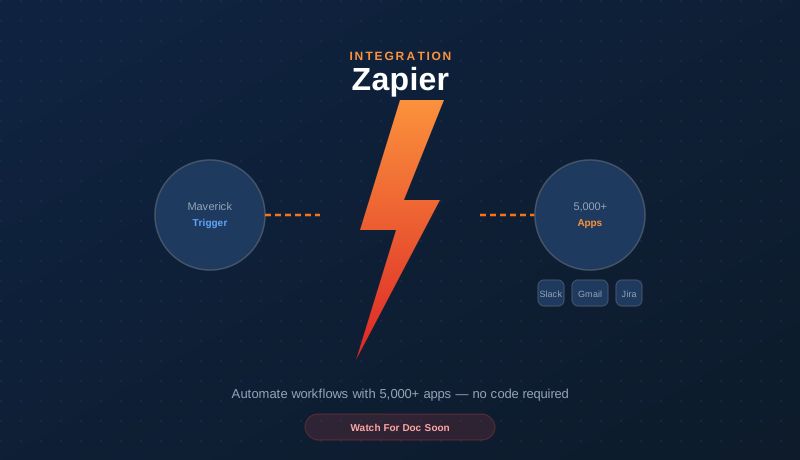
Zapier
Connect Maverick to over 5,000 apps through Zapier. Automate task creation, status updates, notifications, time log entries, and data flows triggered by events in Maverick or any connected app — no code required.
Read the Zapier automation integration guide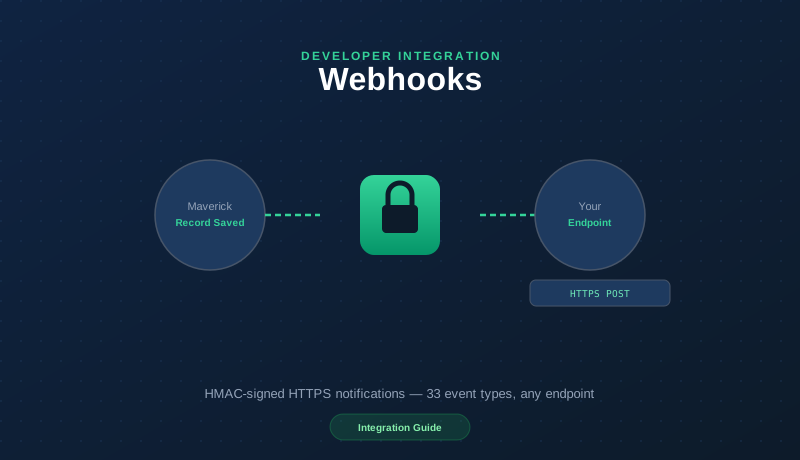
Webhooks
Register your own HTTPS endpoint to receive real-time, HMAC-signed notifications the moment records change in Maverick. Covers 33 event types across all core objects, with automatic retries — no third-party account required.
Read the webhooks integration guideExport and Import Are Built In Today
You do not need to wait for an integration to get data in and out of Maverick. Built-in import and export tools cover the most common formats right now.
Excel & CSV Export
Export any grid, report, or schedule to Excel or CSV instantly. Filter, sort, and group before you export — every configuration is preserved.
Excel & CSV Import
Import project tasks and resource data from Excel or CSV files. Bring in existing plans from any tool that can export to a spreadsheet format.
Database Import (Pro)
Pull projects and tasks automatically from external databases, ERPs, and MRPs on a schedule — so all systems stay synchronized without manual effort.
Setup Guides Are Coming
All integrations above are available in Maverick today. Step-by-step setup guides are being written for each one. Start a free trial and explore the integrations now — documentation will follow.